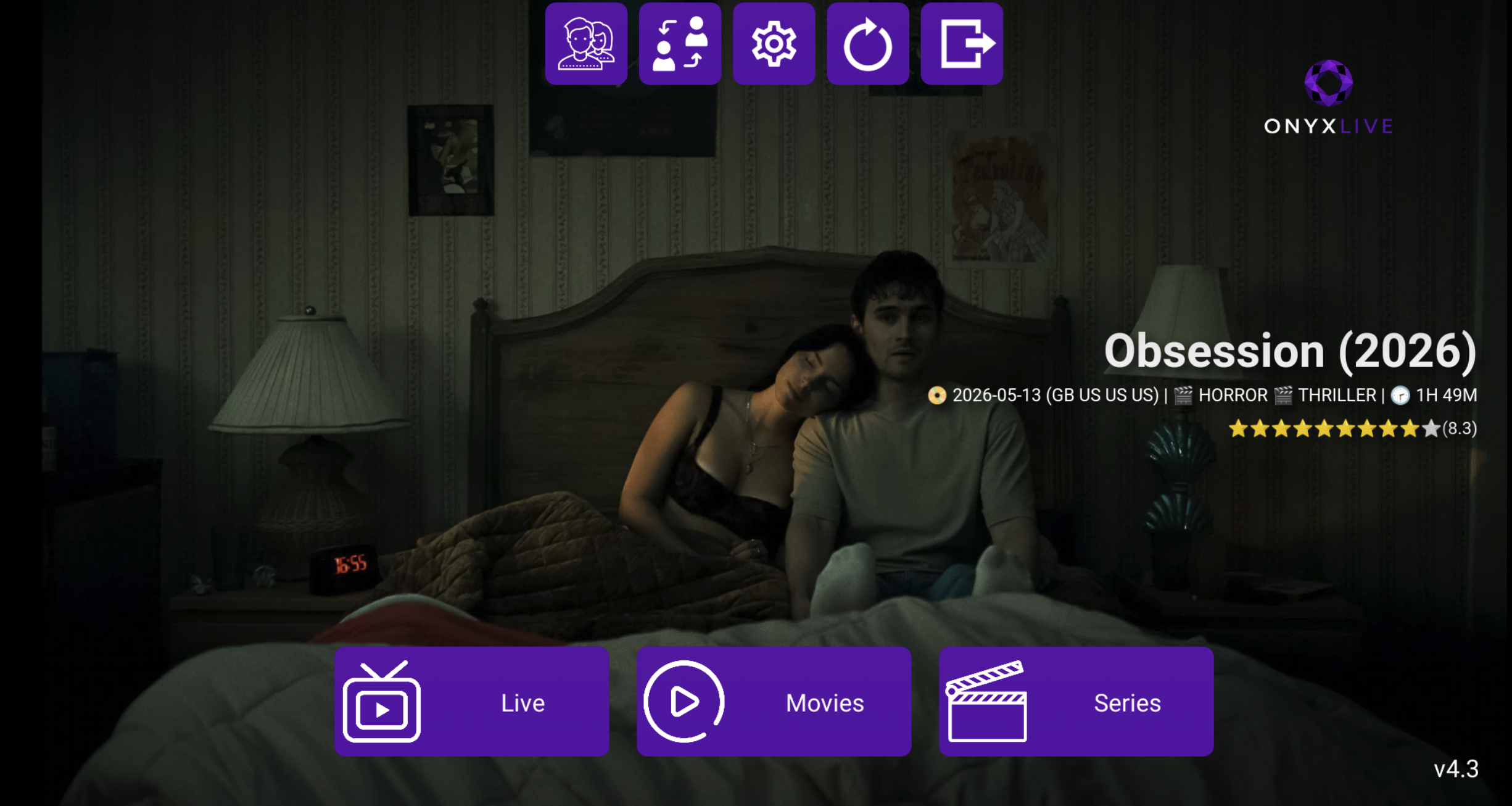
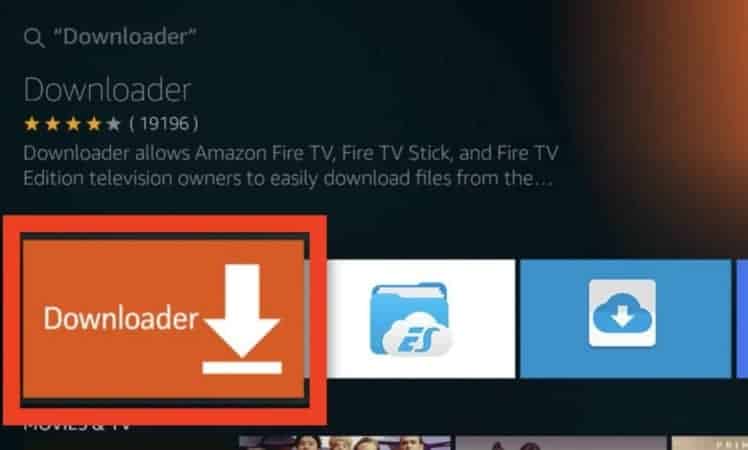
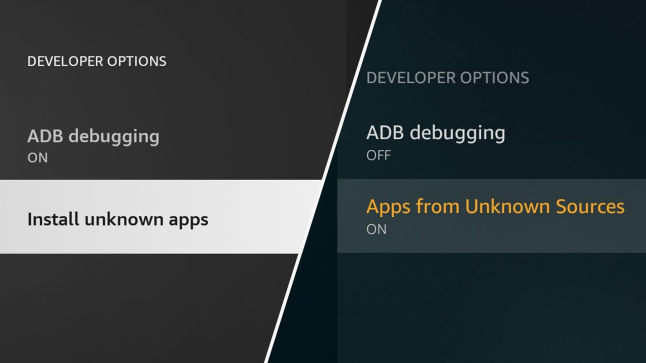
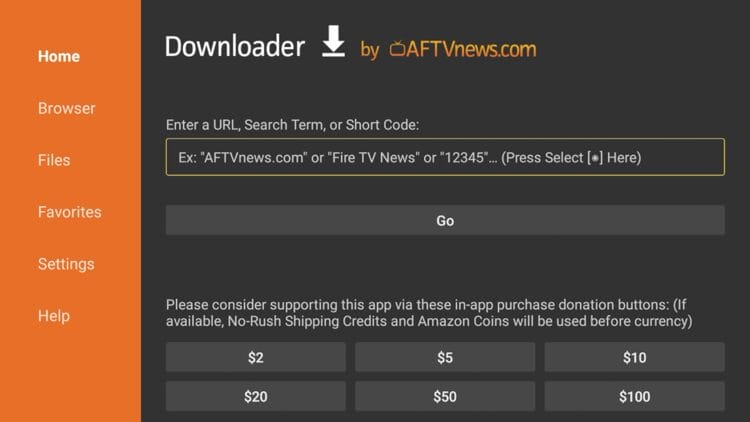
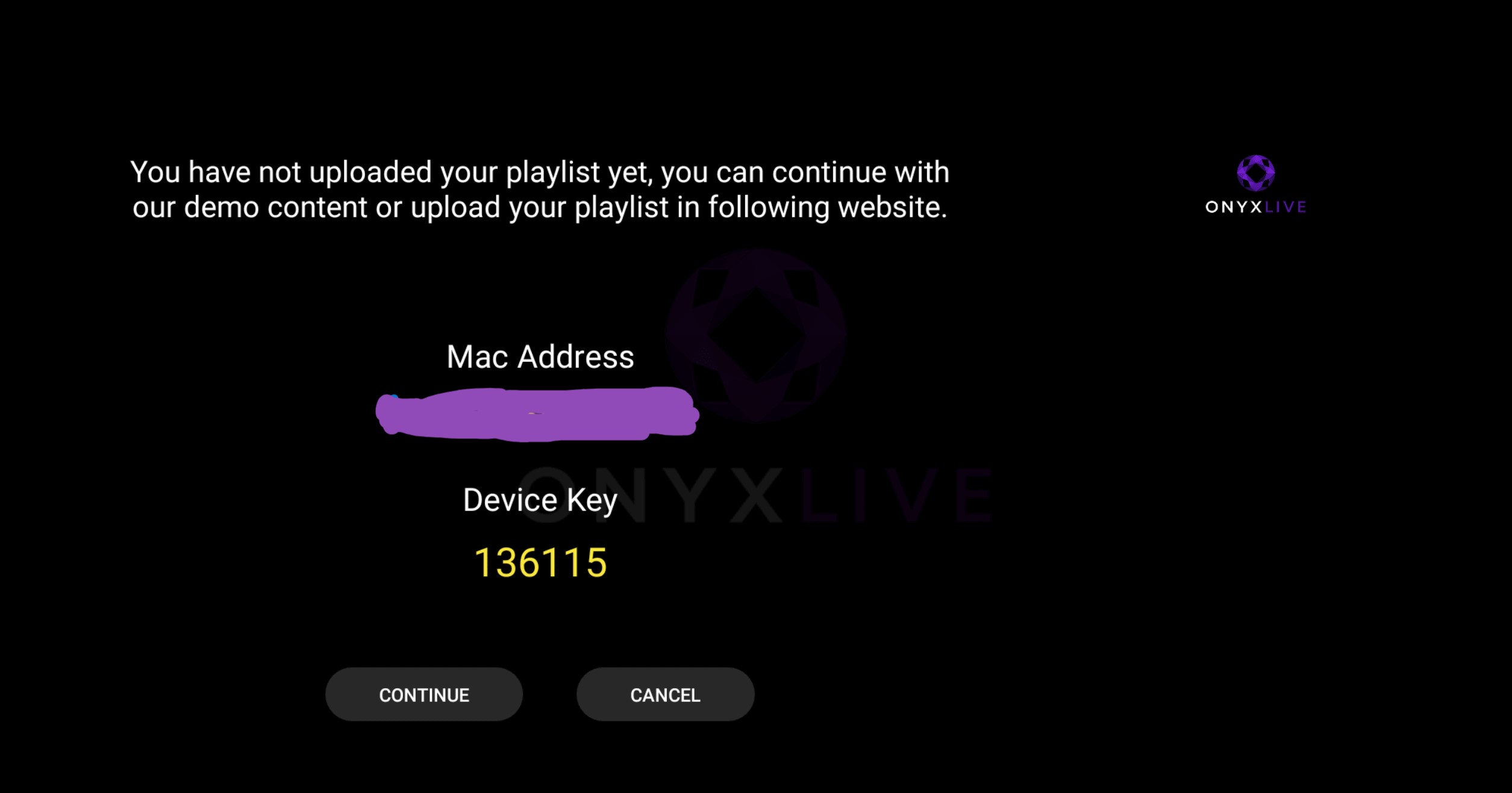
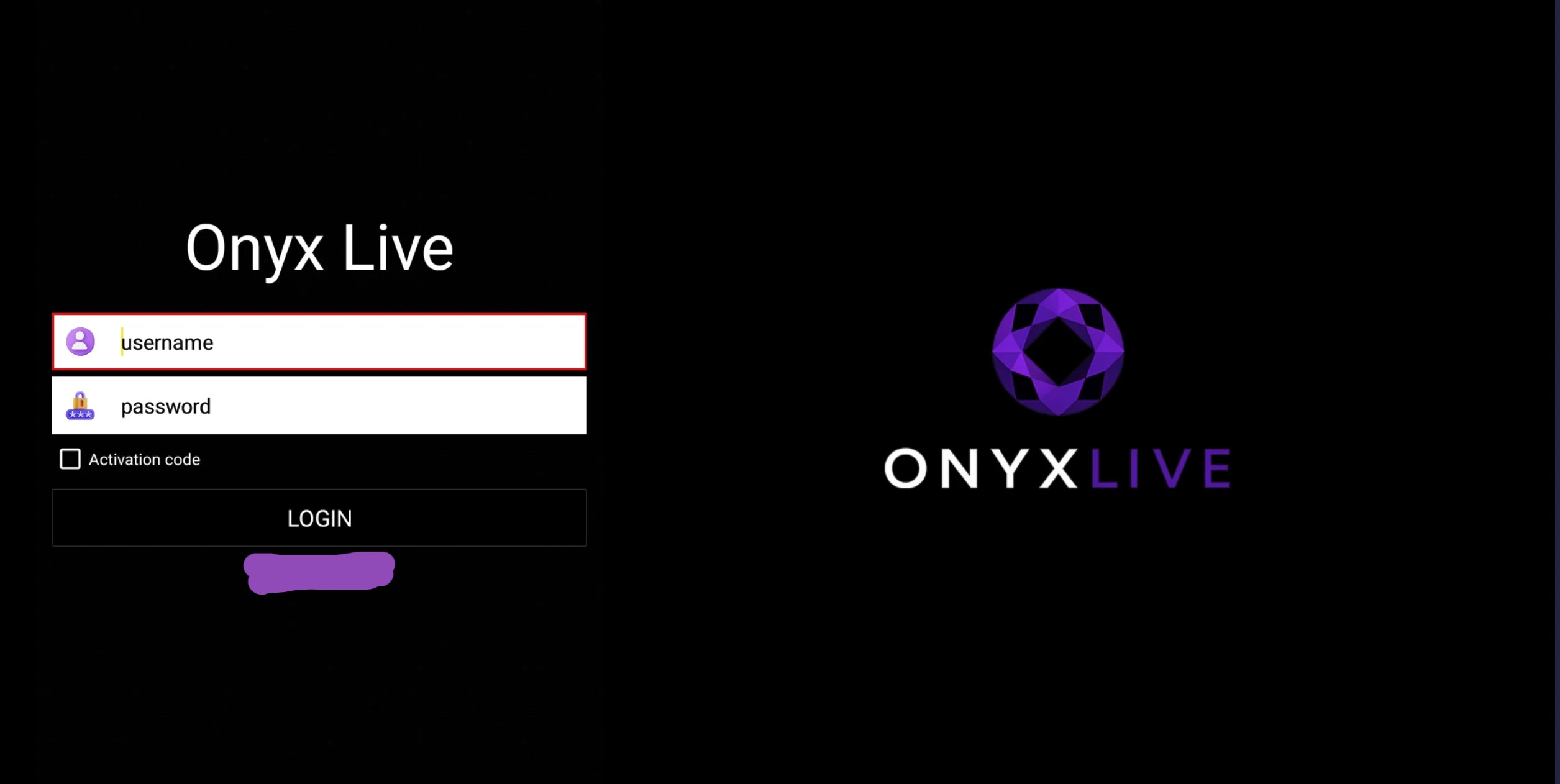
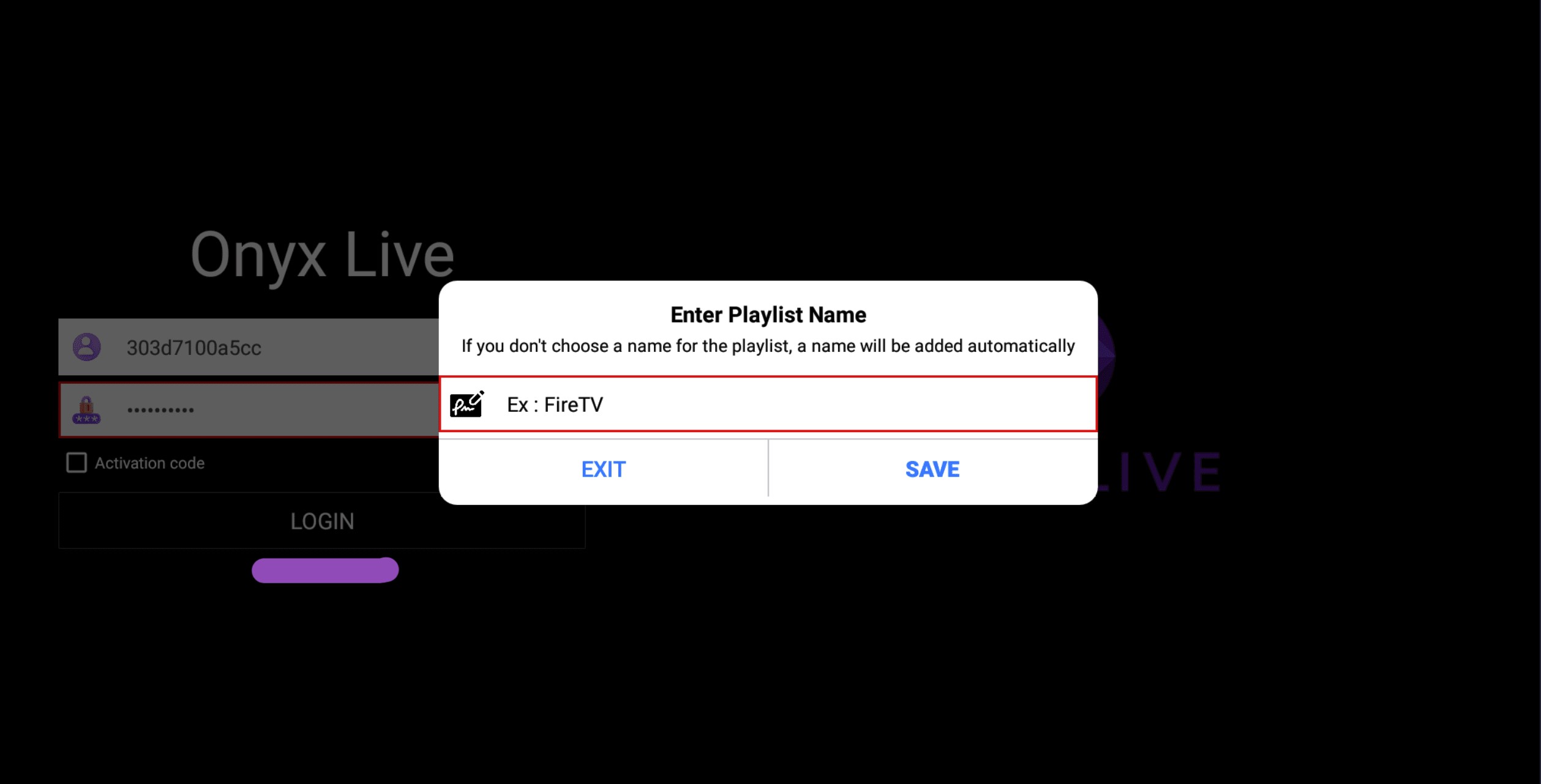
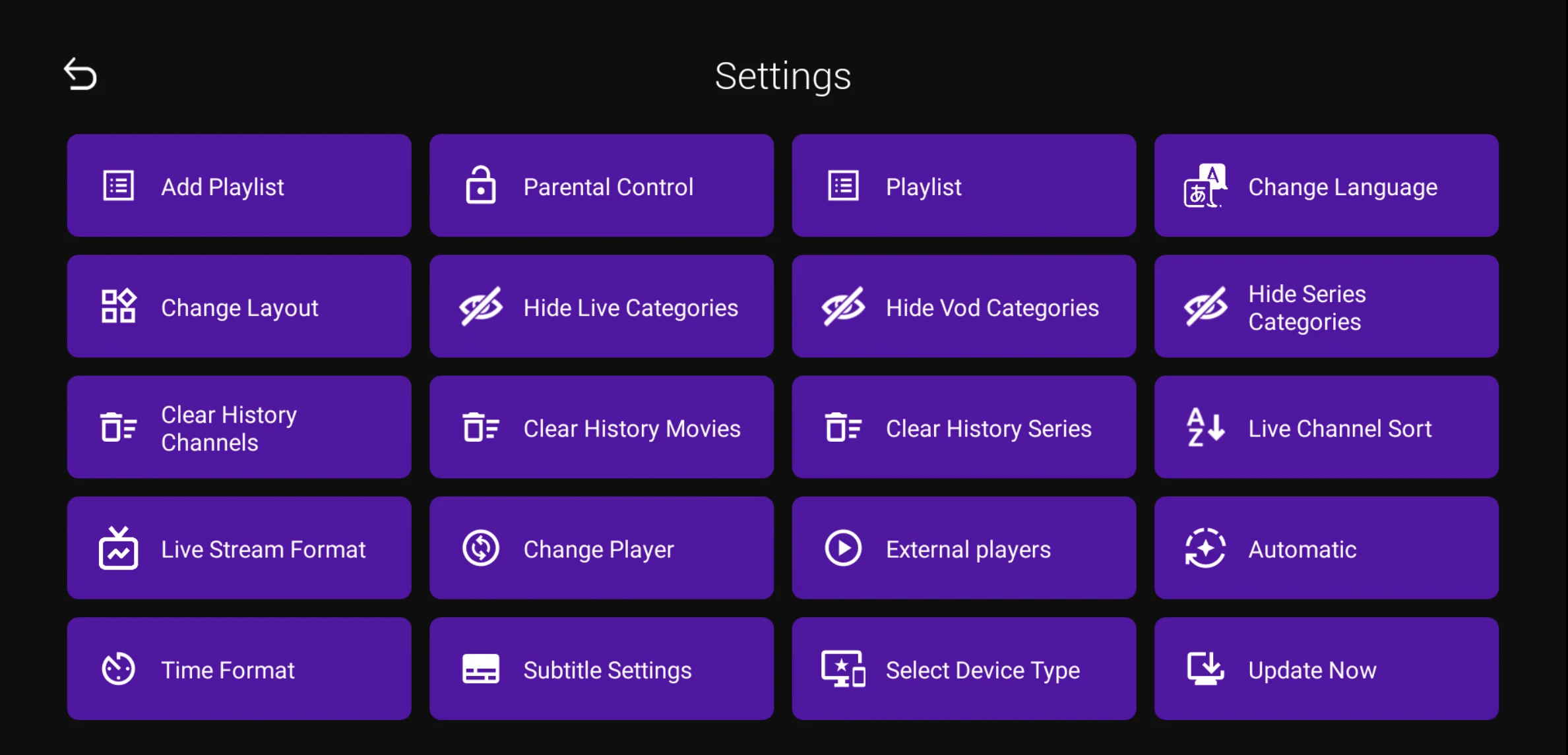
INSTALLATION GUIDE Install Onyx Live in Under 2 Minutes Follow these simple steps to install Onyx Live on your Firestick. Order Now Download APK GET STARTED FAST Quick Download Downloader Code 1912883 Copy Code APK Download http://147.93.63.46/OnyxLive.apk Download Need Help? adminonyxlive@proton.me Support FIRESTICK INSTALL Step-by-Step Guide Nine simple steps to get Onyx Live running on your Firestick. 1 Install Downloader Install Downloader from the Appstore. 2 Enable Unknown Sources Allow Downloader to install applications. 3 Enter Downloader Code Open Downloader and enter code 1912883. 4 Download APK Install the Onyx Live APK. 5 Open Onyx Live Tap Continue on the first screen. 6 Login Enter the username and password provided in your welcome email. 7 Save Playlist Press Save. 8 Loading Wait while channels load. 9 Ready to Watch Enjoy Live TV, Movies and Series. WATCH FASTER Search Tips Find Channels Faster Instead of scrolling forever: Open Live, Movies, or Series Select ALL Use Search Type the movie or channel name QUICK FIXES Troubleshooting App won't install Enable Unknown Sources. Downloader missing Restart Firestick. App won't open Restart Firestick. Downloader Guide Learn how to use Downloader on Firestick. Read Guide Firestick Installation Guide Detailed instructions and screenshots for easy installation. Read Guide Need Help adminonyxlive@proton.me Email Support Need IPTV? Enjoy Live TV, Movies and Series instantly. Order Now